

 Madagascar eSIM

We have prepared eSIM plans ideal for Madagascar travel and business trips. Set it up before you depart, and you can use the internet right after arrival. Map searches, taxi hailing, and social media all work smoothly, supporting a safe and pleasant trip.
Network: Airtel
Plan Type: Data Only
Data Plan: Unlimited
Tethering: Available
eKYC: Not required
Why customers choose  in Madagascar
 1
1When using an eSIM in Madagascar, travel styles range from short trips centered on sightseeing in the capital Antananarivo to journeys through national parks and nature reserves, and long-term stays. Connectivity comes in handy when enjoying endemic wildlife and vast wilderness. With Cross eSIM, you can choose the ideal plan for your length of stay and how you use it, so you can browse comfortably throughout your stay.
 2
2The Madagascar eSIM works in the capital Antananarivo as well as in major cities and around tourist destinations. Even on journeys to enjoy Madagascar's unique nature, such as national parks and reserves, having connectivity gives you peace of mind. You can use it across a variety of travel situations, from checking travel information to looking up routes.
3After arriving in Madagascar, there's no need to buy a SIM card or pick up a WiFi router. Just scan the QR code ahead of time, and you can get online as soon as you land. Right after arrival, you can search maps and head to your hotel.
4On a trip to Madagascar, having your smartphone connected helps with sightseeing and getting around. In Antananarivo, you'll often check the location of hotels and restaurants on Google Maps or search for travel information. It's also handy for gathering information on national park visits, and with an eSIM you can stay online comfortably.
5Cross eSIM is operated by a company with over 10 years of experience in telecom services, including WiFi Travel. Whether it's your first time using an eSIM or you're unsure about staying connected abroad, our support team is here to help you travel with confidence.
Set up your Madagascar plan in just 3 minutes with  !
!
Get your Madagascar eSIM, ready to use right away
Buy an eSIM


Choose your travel destination


Set up your Madagascar plan in just 3 minutes with !
Get your Madagascar eSIM, ready to use right away
Buy an eSIM
How to use your Madagascar eSIM
01Check if your device
supports eSIMBefore buying an eSIM, please check whether your device supports eSIM.
02Select and purchase
a Madagascar planChoose "Madagascar" as your destination, then pick the data capacity and period that match your travel days and purpose. The entire purchase is completed online. No contract or store visit is required, so you can prepare smoothly before departure.
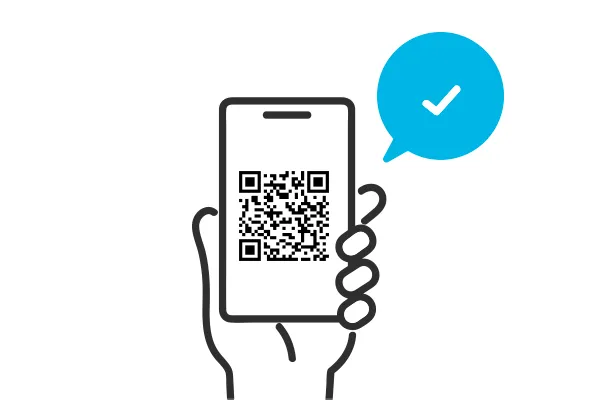
03Scan the QR code
to load the eSIMWe email you a QR code after purchase — just scan it with your phone. There is no need to swap cards or use special equipment. Even those who are not comfortable with smartphones can set it up in a few simple steps.
04Activate
the eSIMAfter scanning the QR code, enable the eSIM in your phone's settings. In just a few minutes, communication is ready. If you install it in advance, you can use the internet right after you arrive.
05Start using your
Madagascar eSIMFrom the moment you arrive, your Madagascar eSIM is ready to use. Map searches, messaging apps, and social media all work smoothly. Skip the troublesome procedures and fully enjoy business or sightseeing.
Notes
- A stable internet environment such as Wi-Fi is required when setting up the eSIM.
- The usable period differs by plan. Be sure to check the details before purchase.
- An eSIM-compatible smartphone is required. It cannot be used on unsupported devices.
- Once deleted, an eSIM profile cannot be reissued. Please be very careful with deletion operations.
- Communication speed and connection status may differ by country or region.
- This service is data-only. Regular voice calls and SMS cannot be used, but calling apps such as LINE and WhatsApp can be used.

FAQ
Is it okay to activate your Madagascar eSIM before you arrive?
From when is the start date of your Madagascar plan counted?
What should I do if my Madagascar eSIM does not connect well?
Set up your Madagascar plan in just 3 minutes with  !
!
Get your Madagascar eSIM, ready to use right away
Buy an eSIM gives you dependable support, so you can enjoy your time abroad.